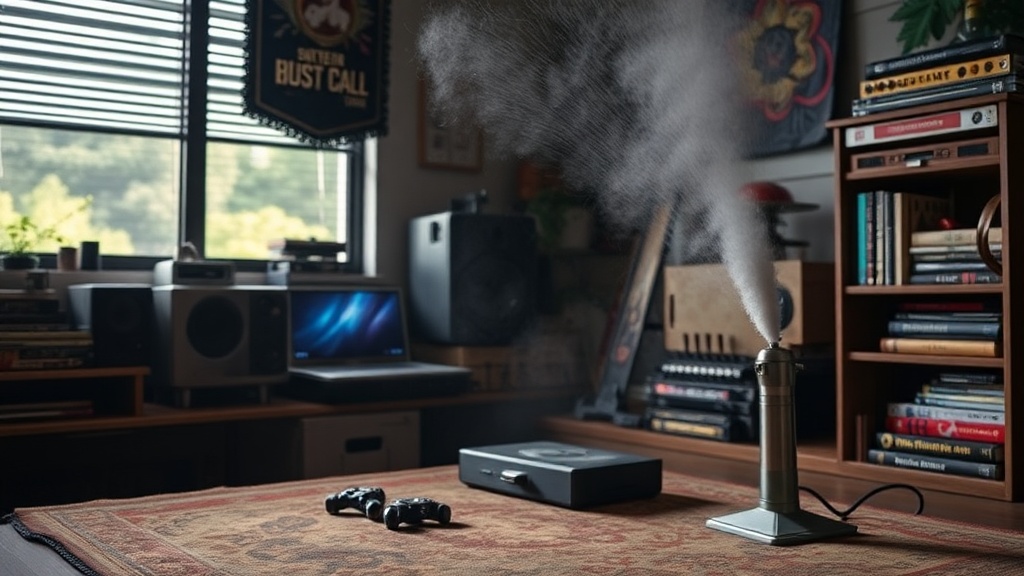
Keep Your Game Collection Dust Free with Air Dusters

Quick Tip
Always use short bursts of compressed air and hold the can upright to avoid liquid spray.
Are you tired of seeing that annoying "blinking light of death" or getting a "Connection Error" just because a speck of dust settled on your pins? This post covers why using compressed air is the safest way to manage debris in your collection and how to do it without damaging your hardware.
When you're dealing with high-value assets—we're talking rare Earthbound or pristine Pokémon copies—you can't afford to be sloppy. Dust isn't just an eyesore; it's a physical barrier that prevents a solid connection between the cartridge and the console.
Why Should You Use Air Dusters for Game Cartridges?
Air dusters remove loose particles from cartridge slots and PCB surfaces without introducing moisture or physical friction. Unlike using a brush or a cloth, which can actually push debris deeper into the console's delicate internal components, compressed air lifts the particles away.
It's a low-risk method for preventative maintenance. However, there's a right way and a wrong way to do this. If you hold the can upside down, you'll spray liquid propellant directly onto the circuit board—and that's a recipe for a very expensive mistake.
For those who want to do things properly, I've put together a quick guide on the tools you'll need:
- Compressed Air: Brands like Dust-Off are the industry standard for a reason.
- Microfiber Cloth: Only for the outer plastic shell, never the pins.
- Isopropyl Alcohol: Use 91% or higher for actual contact cleaning (see my guide on how to clean and restore vintage game cartridges).
Can Compressed Air Damage My Retro Consoles?
Compressed air can damage your hardware if the can is tilted or if the air is too cold. The liquid propellant inside the can is extremely cold and can cause thermal shock to the delicate components or leave a residue that interferes with conductivity.
Always keep the can upright. Even a slight tilt can result in a spray of liquid. (I've seen enough dead consoles to know this isn't a joke.) If you're worried about the technical specs of these gases, you can check the Wikipedia entry on compressed air to understand the physics of pressure and temperature.
The catch? Don't overdo it. You aren't trying to create a hurricane inside your NES. Short, controlled bursts are much safer than one long, continuous blast.
What Is the Best Way to Dust a Game Slot?
The best way to dust a slot is to use short, 1-second bursts of air while holding the console at a slight angle. This allows the dust to fall out of the slot rather than settling further down into the motherboard.
"A clean slot is a reliable slot. If you're seeing screen flicker or input lag, check the dust levels before you assume the hardware is dying."
If you're already maintaining your collection, don't forget that environmental factors matter just as much as physical debris. You should also learn why you should avoid direct sunlight to prevent the plastic from yellowing or degrading over time.